
How to Add Vibe Block to a Page
You can add Vibe Block from the Block Library.
Open the Block Library and select the Vibe Block category, or find it under Other. Then add the block to the page and start working with it.
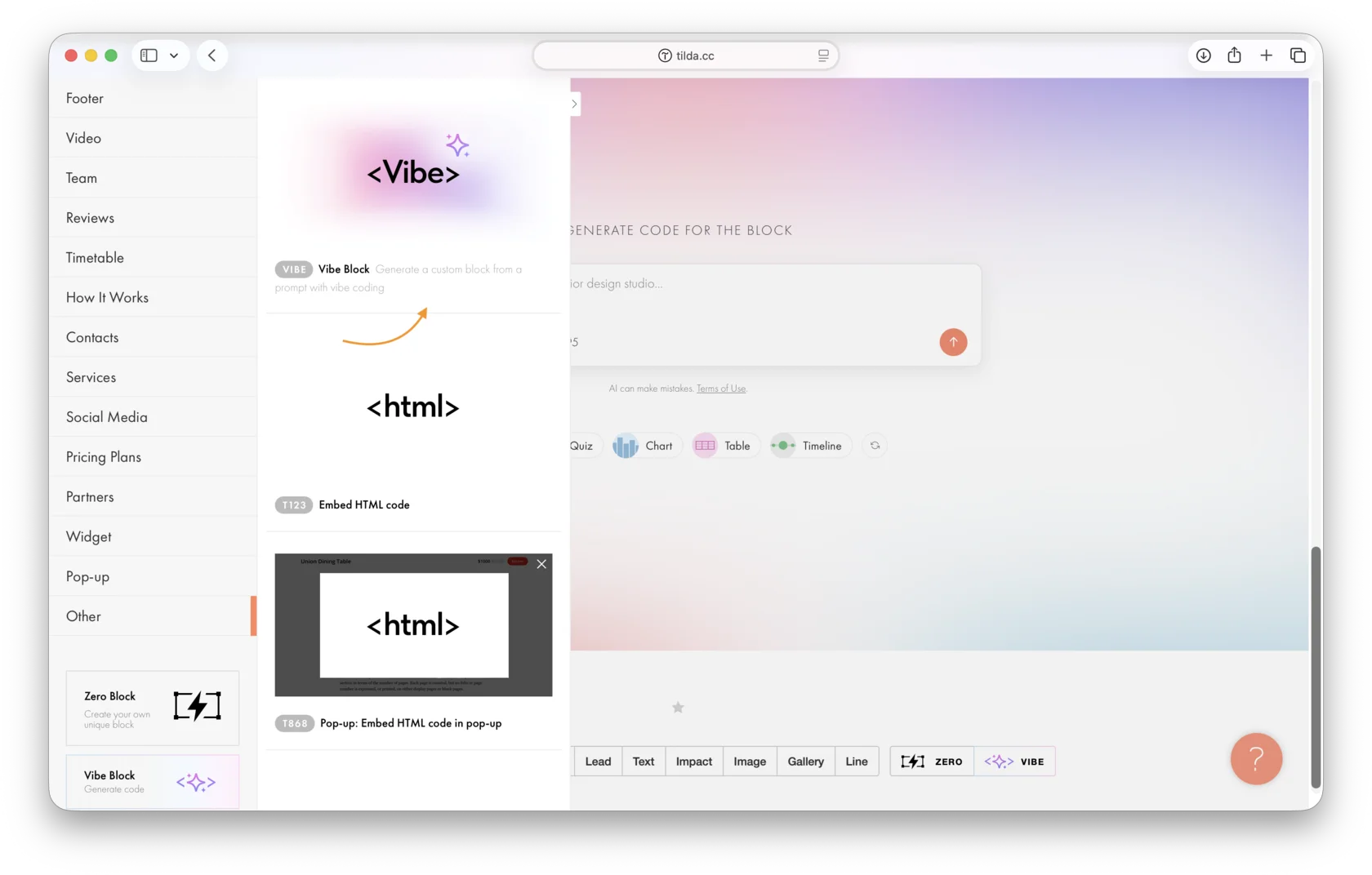
For detailed instructions on working with Vibe Block, see: https://help.tilda.cc/tilda-ai/vibe-block#using
Perguntas semelhantes
Essa resposta foi útil?

Sim
0

Não
0