
How to add a Feed post grid (“See also”) to a Zero Block post template
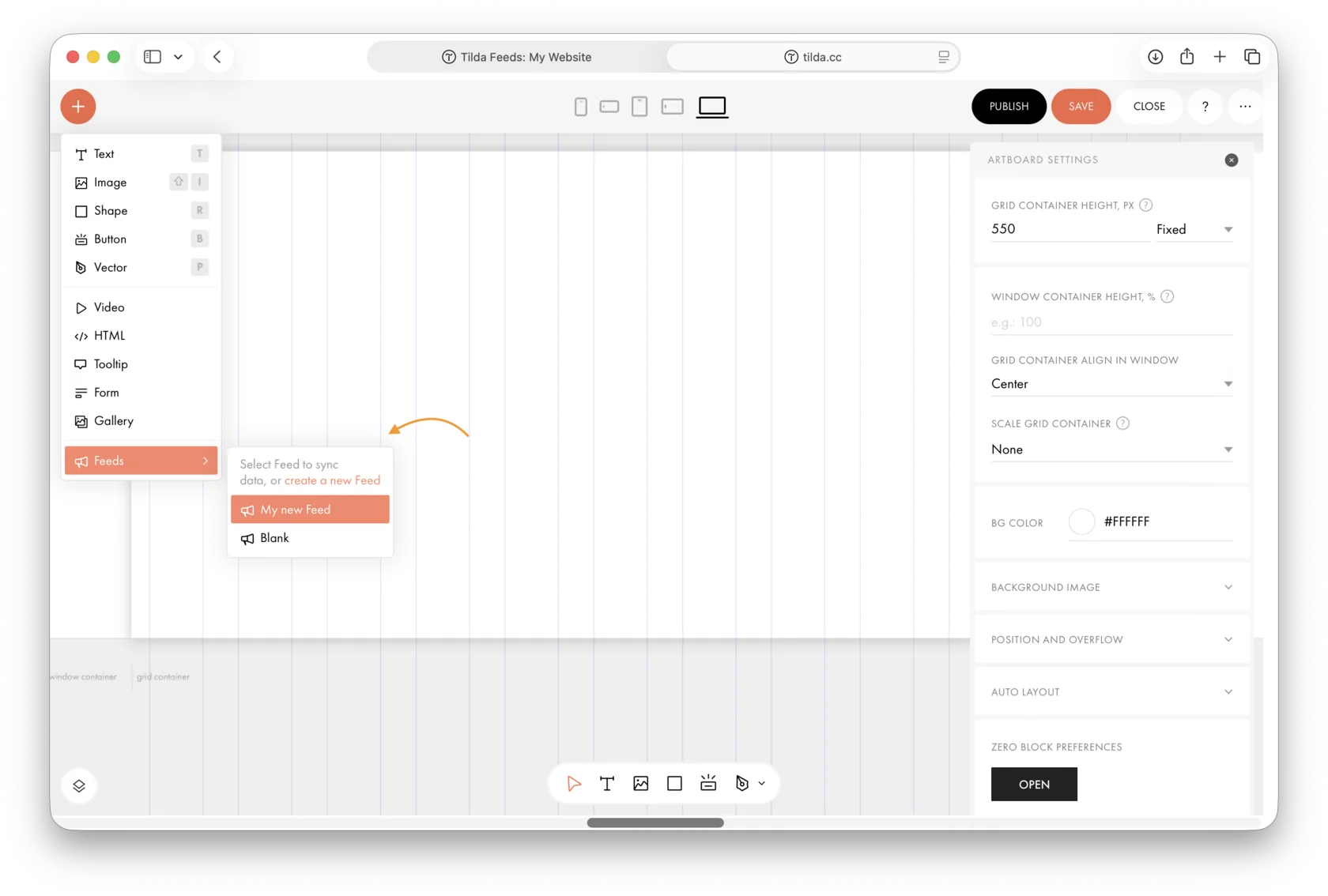
Add Zero Block to the page and delete all existing elements. Click the plus icon in the upper-left corner, hover over Feeds, and select the custom Feed you created earlier or a sample Feed.
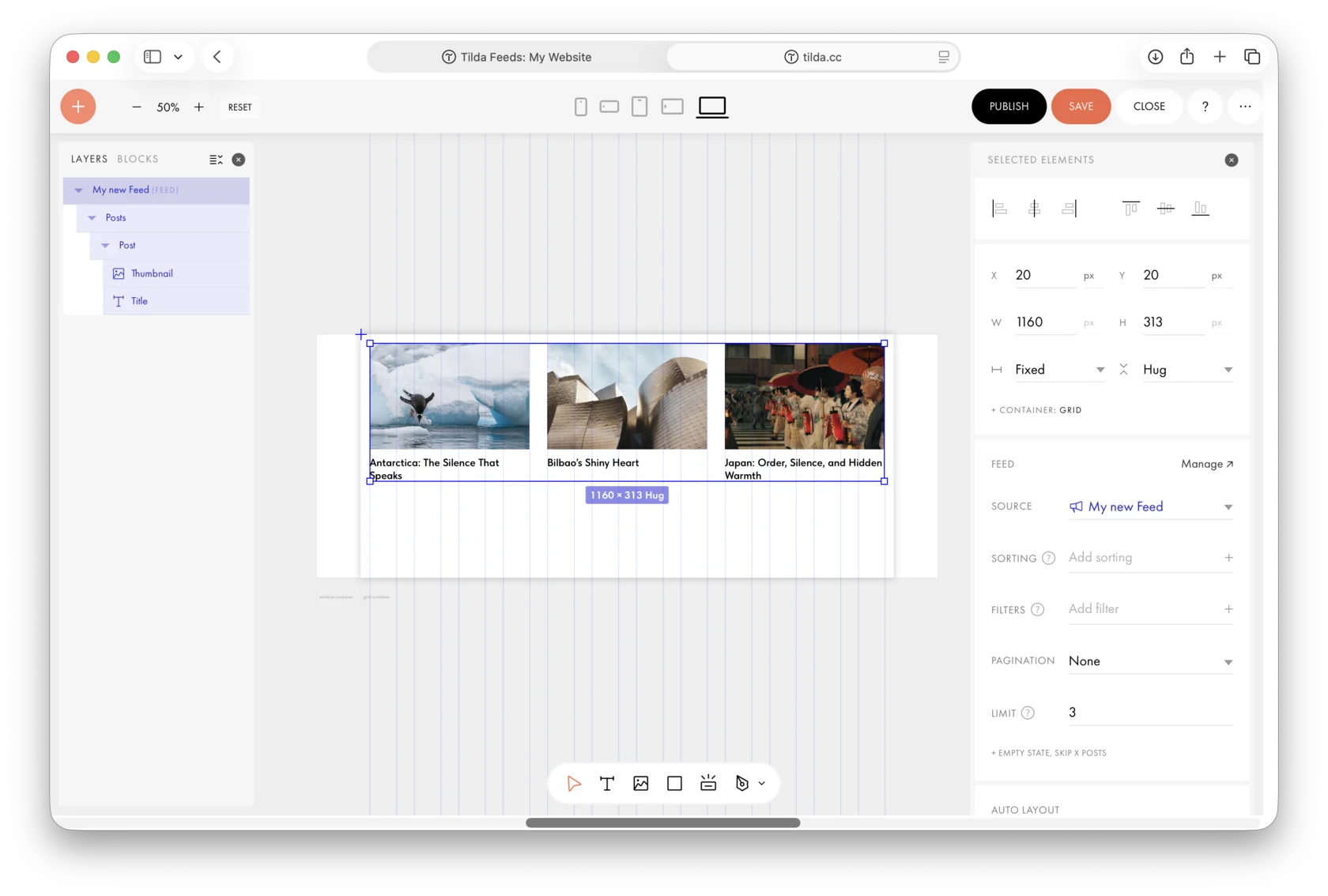
A post grid from the selected Feed will then appear in Zero Block.
Learn more: https://help.tilda.cc/cms-feeds#zero-posts-creation
Similar questions
Was this answer helpful?

Yes
0

No
0