
How to import a Figma design to a Tilda website?
To automatically import a Figma design to Zero Block, you need to:
1.Get a Figma API Access token.
2.On Figma, in Layers find the Frame and copy link to the section.
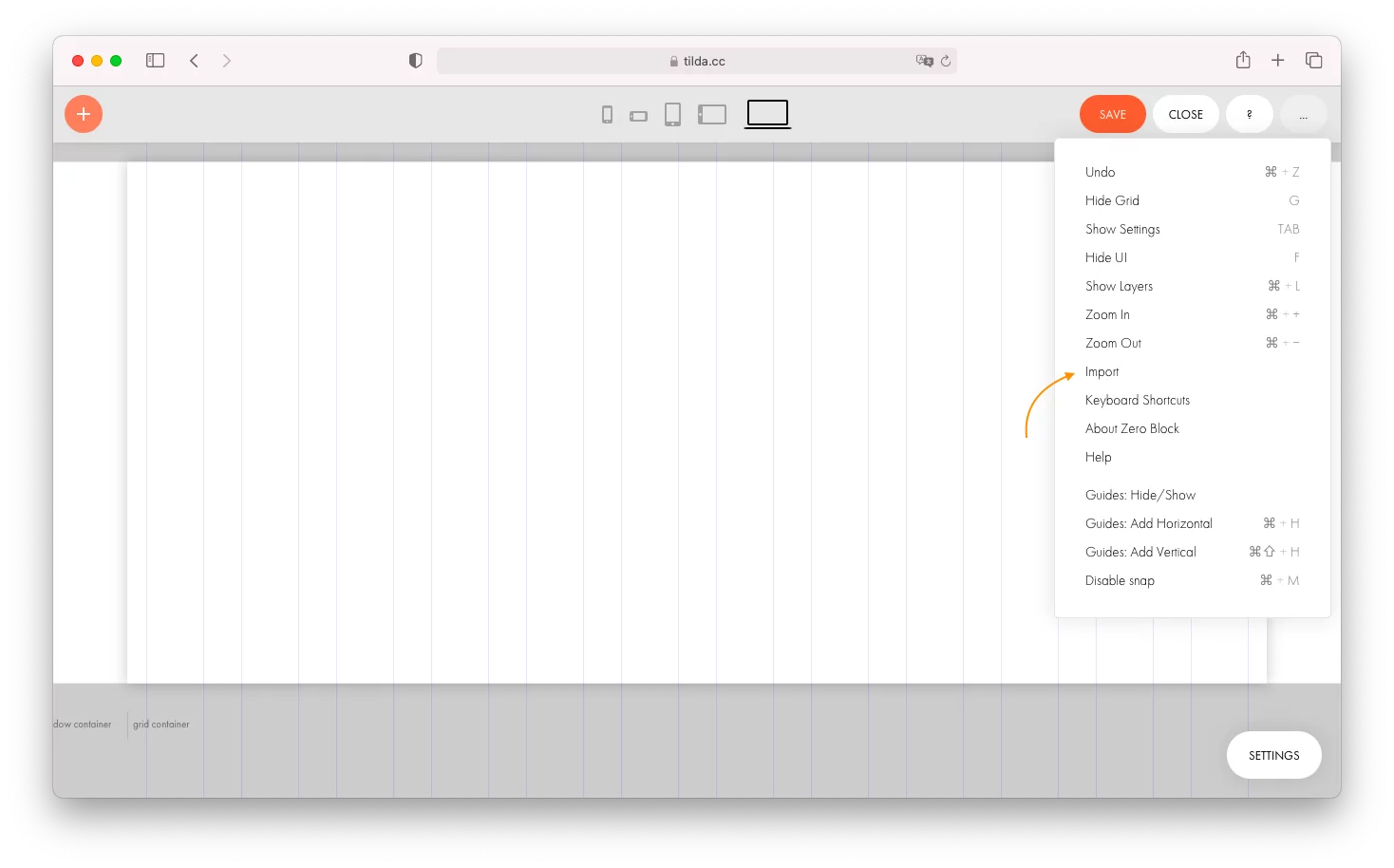
3.Go to the Zero Block editor > three dots menu in the upper right corner > Import.
4.Paste the API token and the link and wait until the layout is imported
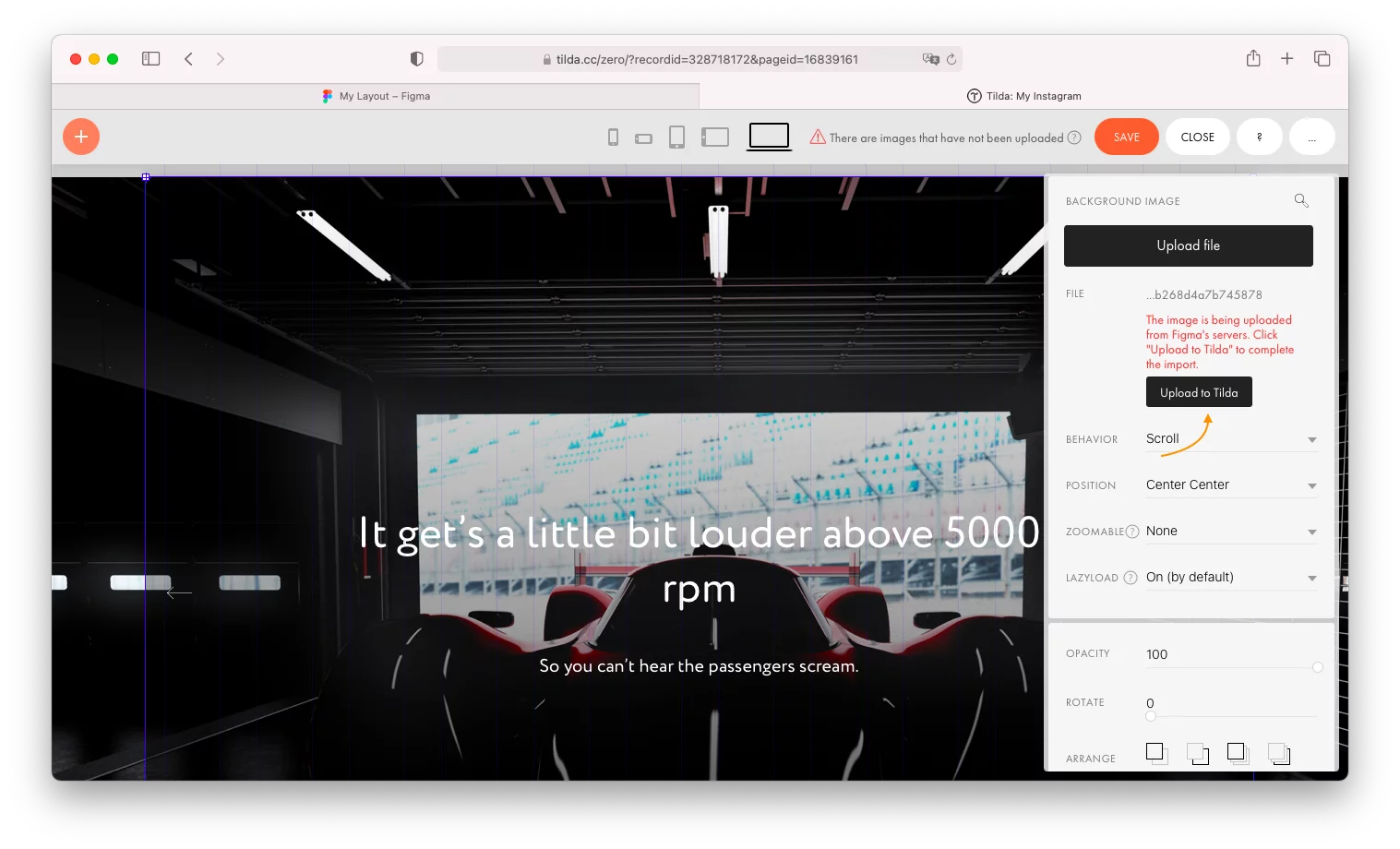
5.Transfer images by clicking the Upload to Tilda button
The video guide and information about layout requirements can be found in the Help Center https://help.tilda.cc/zero/figma-import
Similar questions
Was this answer helpful?

Yes
0

No
0