
How to add a comment to a lead?
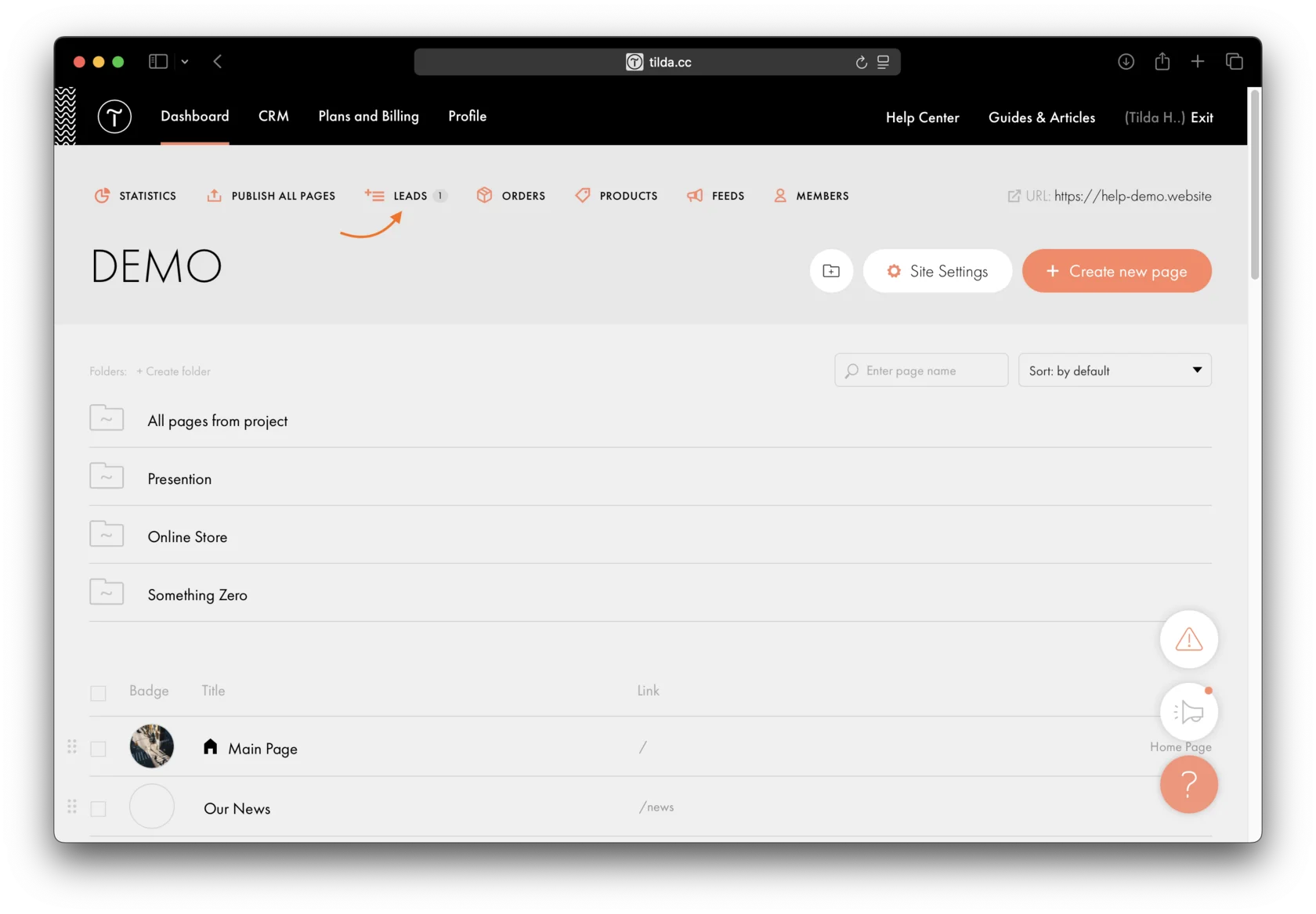
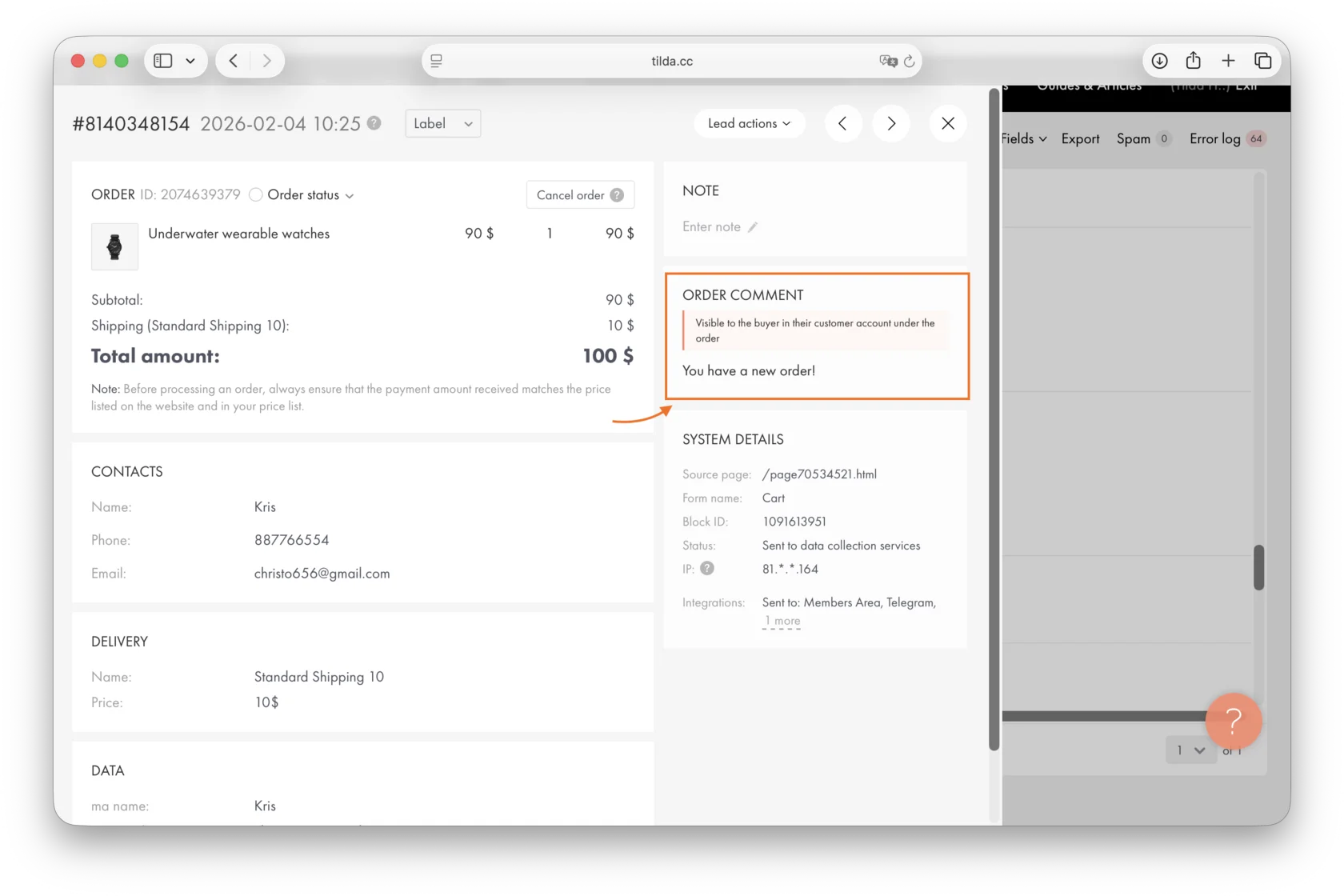
To add a comment to an order, open the lead in the Leads section and find the "Order comment" field.
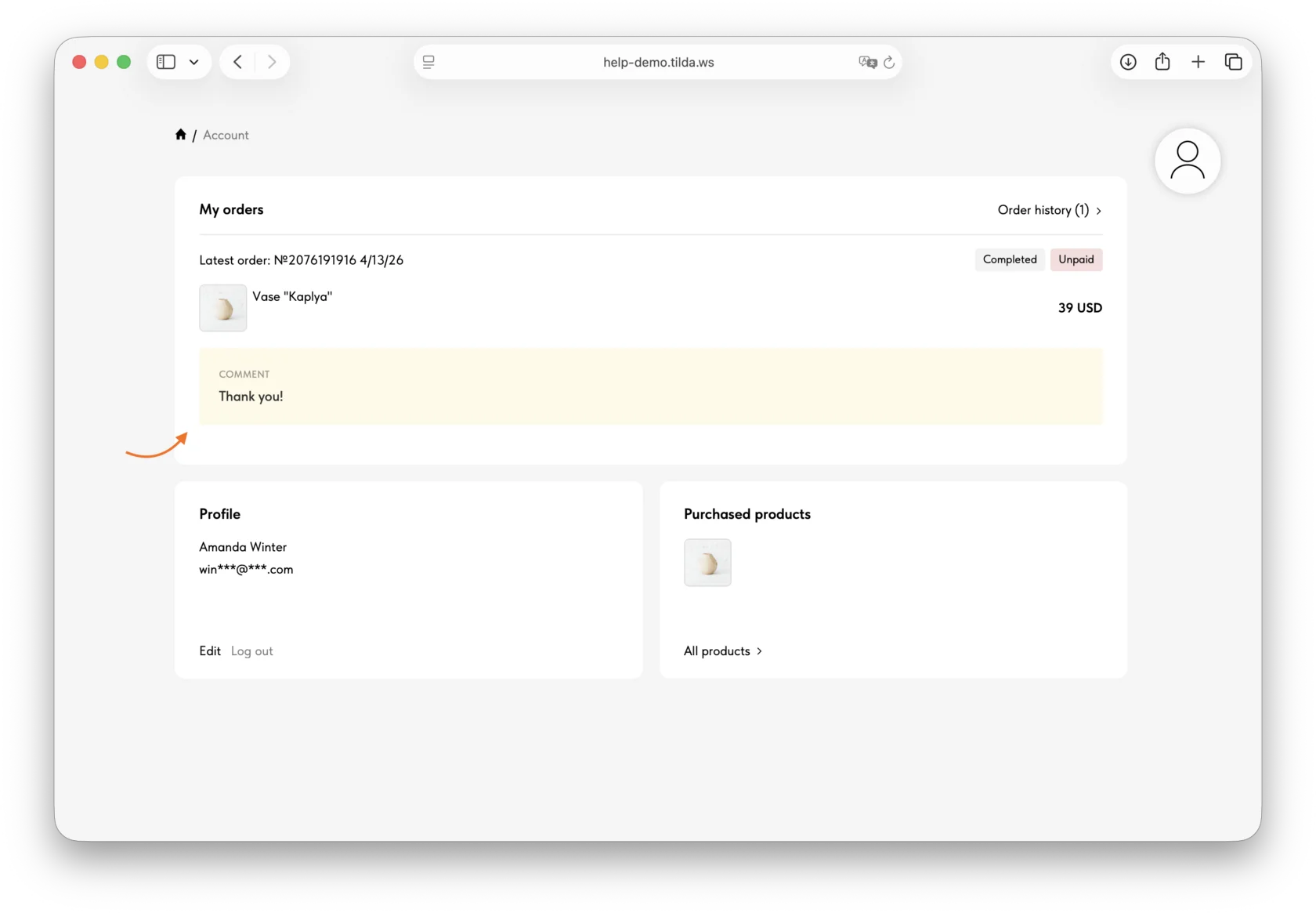
Write a message for the customer, and it will appear in their Members Area.
Important: The "Order comment" field will be displayed in the lead only if the "Online Store Members Area" is connected to the project and the user was logged in when placing the order.
The message will be displayed in the "Comment" field. The customer will also receive an email notification that a comment was added in the store.
Similar questions
Was this answer helpful?

Yes
0

No
0