
How to create a CMS Feed
To create a CMS Feed, follow these 4 steps:
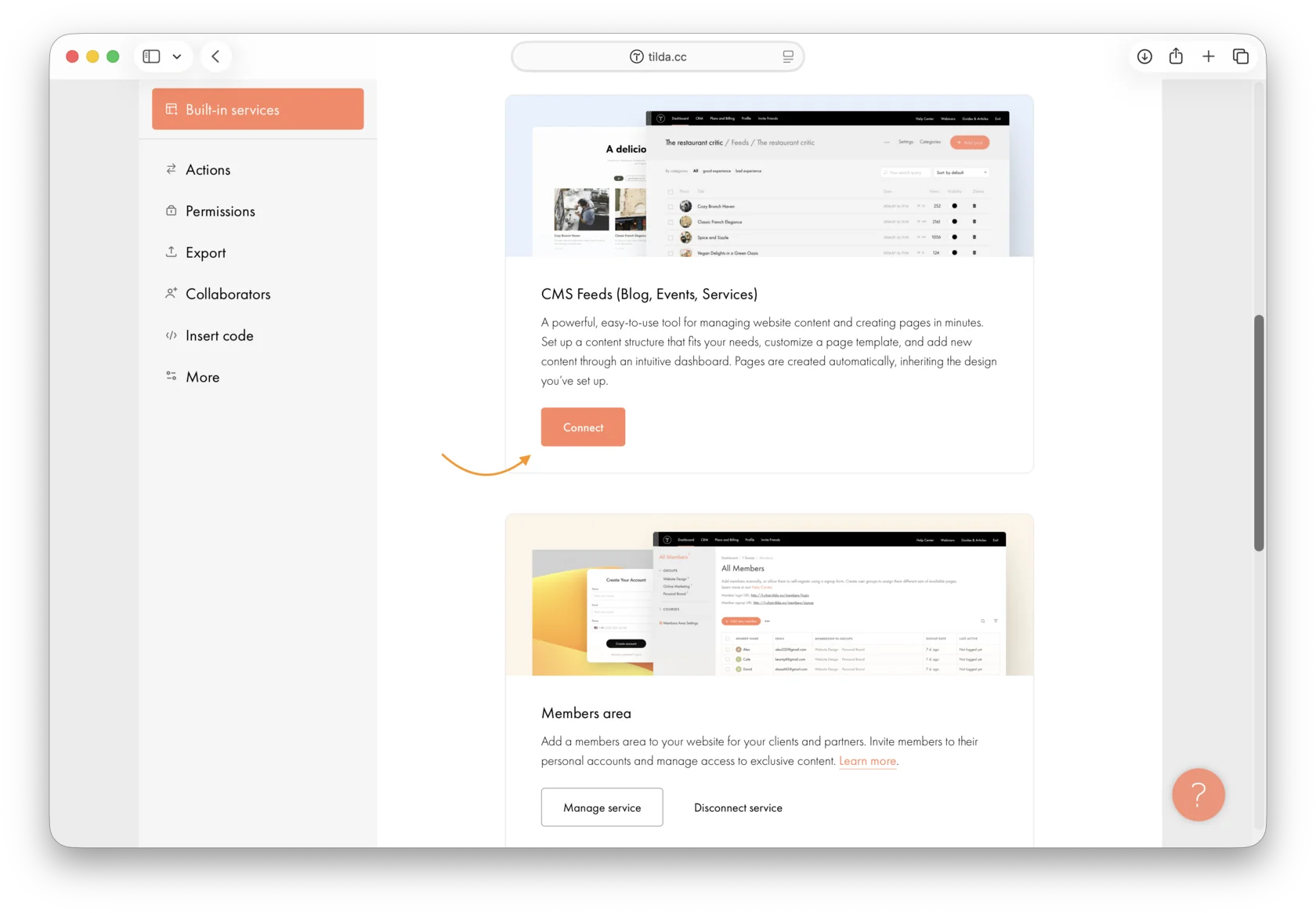
1.Go to Site Settings → Connected Modules and enable CMS Feeds.
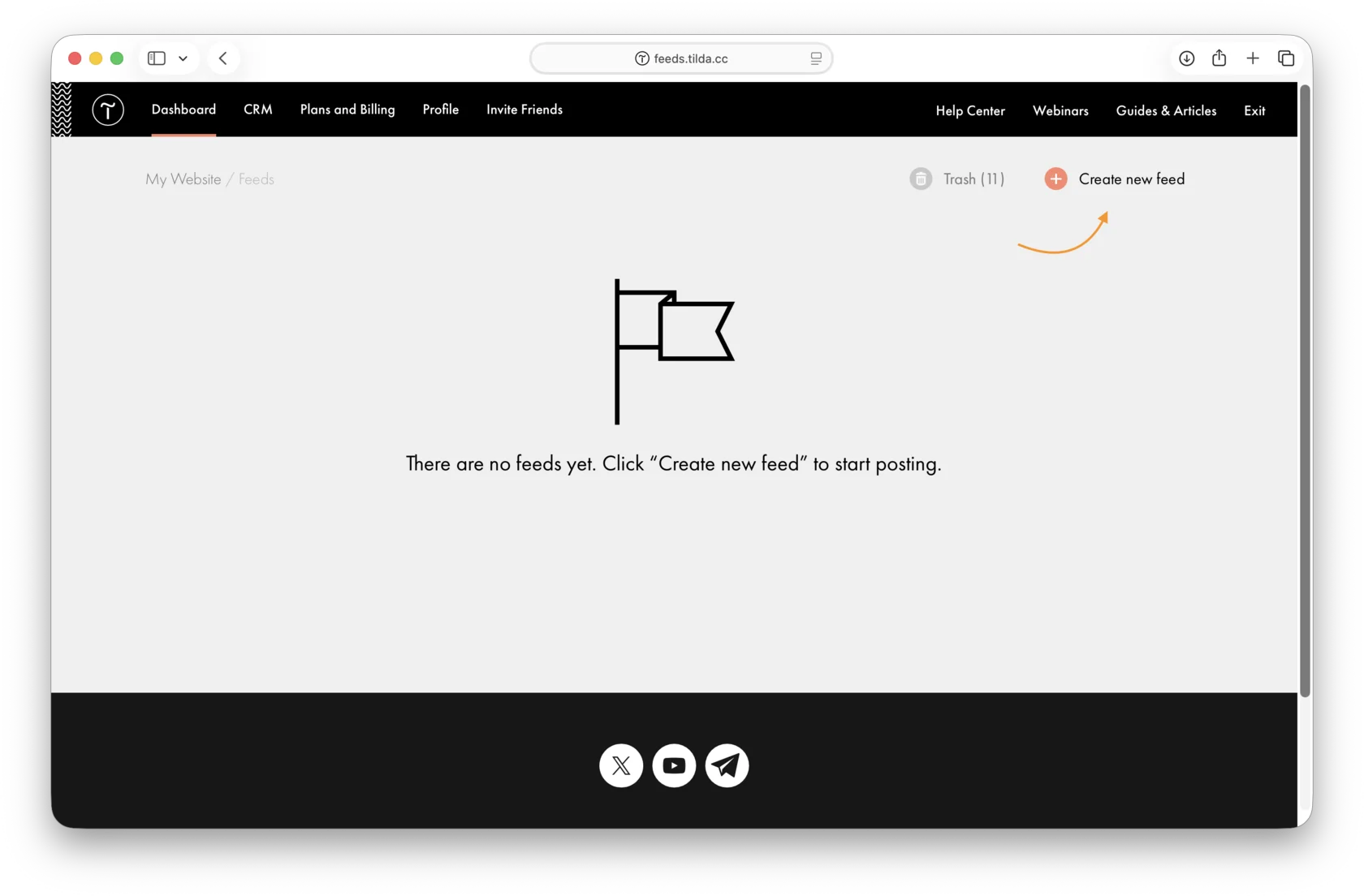
2.Open Feeds and click Create New Feed.
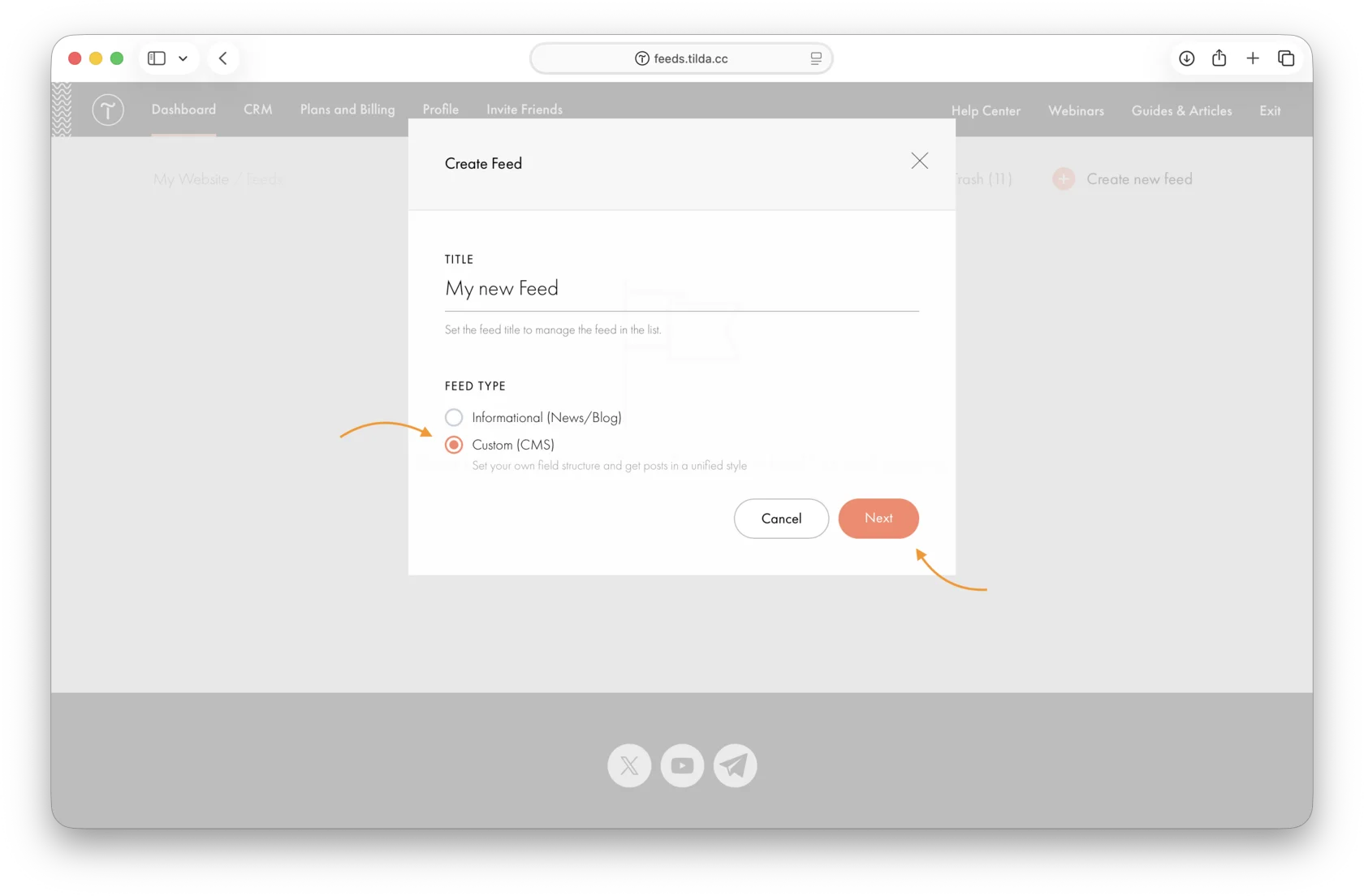
3.Enter the Feed name and select Custom (CMS) as the type.
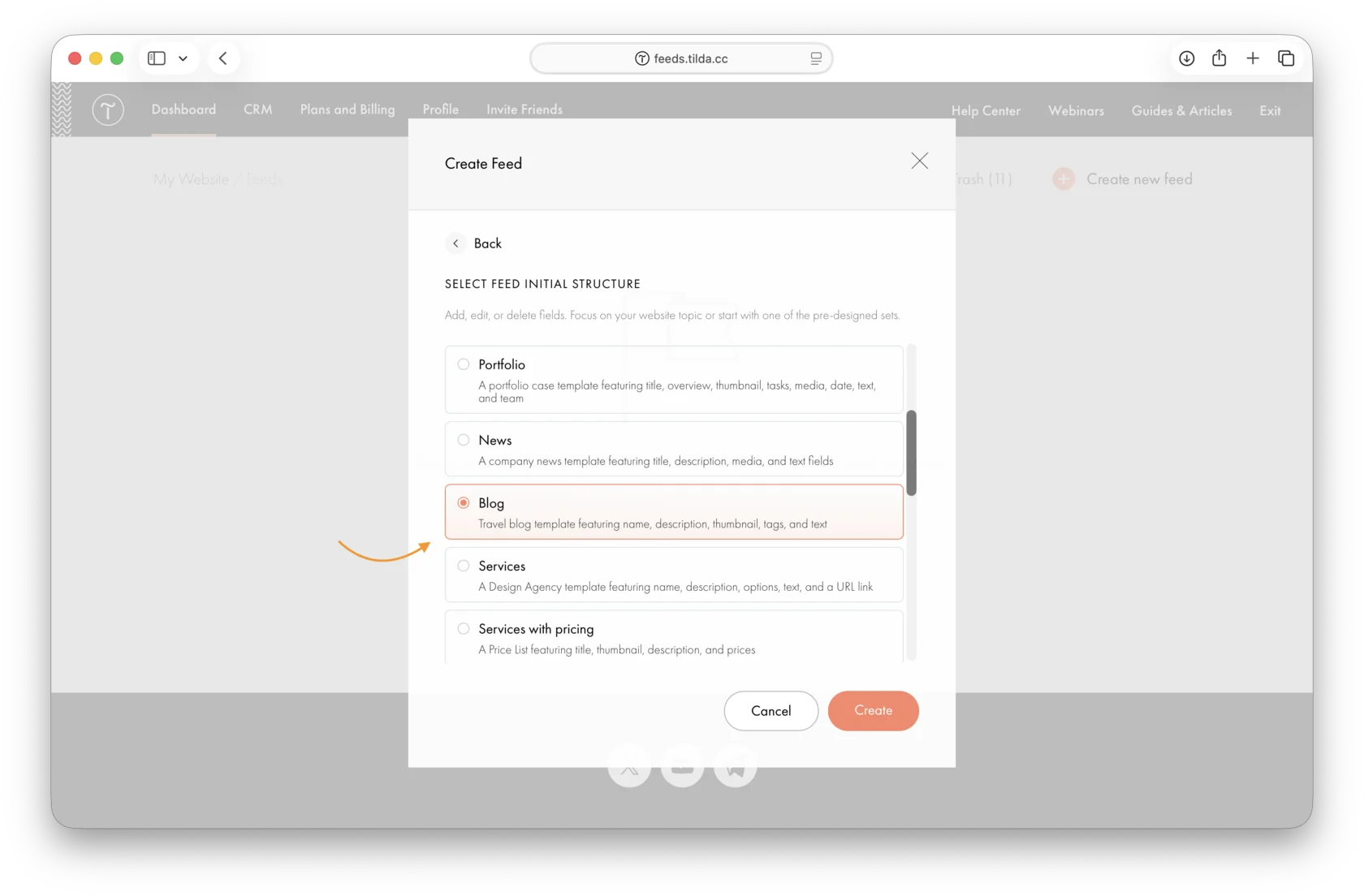
4.Select the Feed structure. You can start with a ready-made field set, such as Blog, to explore the available features.
After that, click the Feed name to view its posts and fields or add your own post.
Learn more: https://help.tilda.cc/feeds/cms-feeds#creation
Similar questions
Was this answer helpful?

Yes
0

No
0