
商品の数量や合計金額に応じて割引を追加するには?
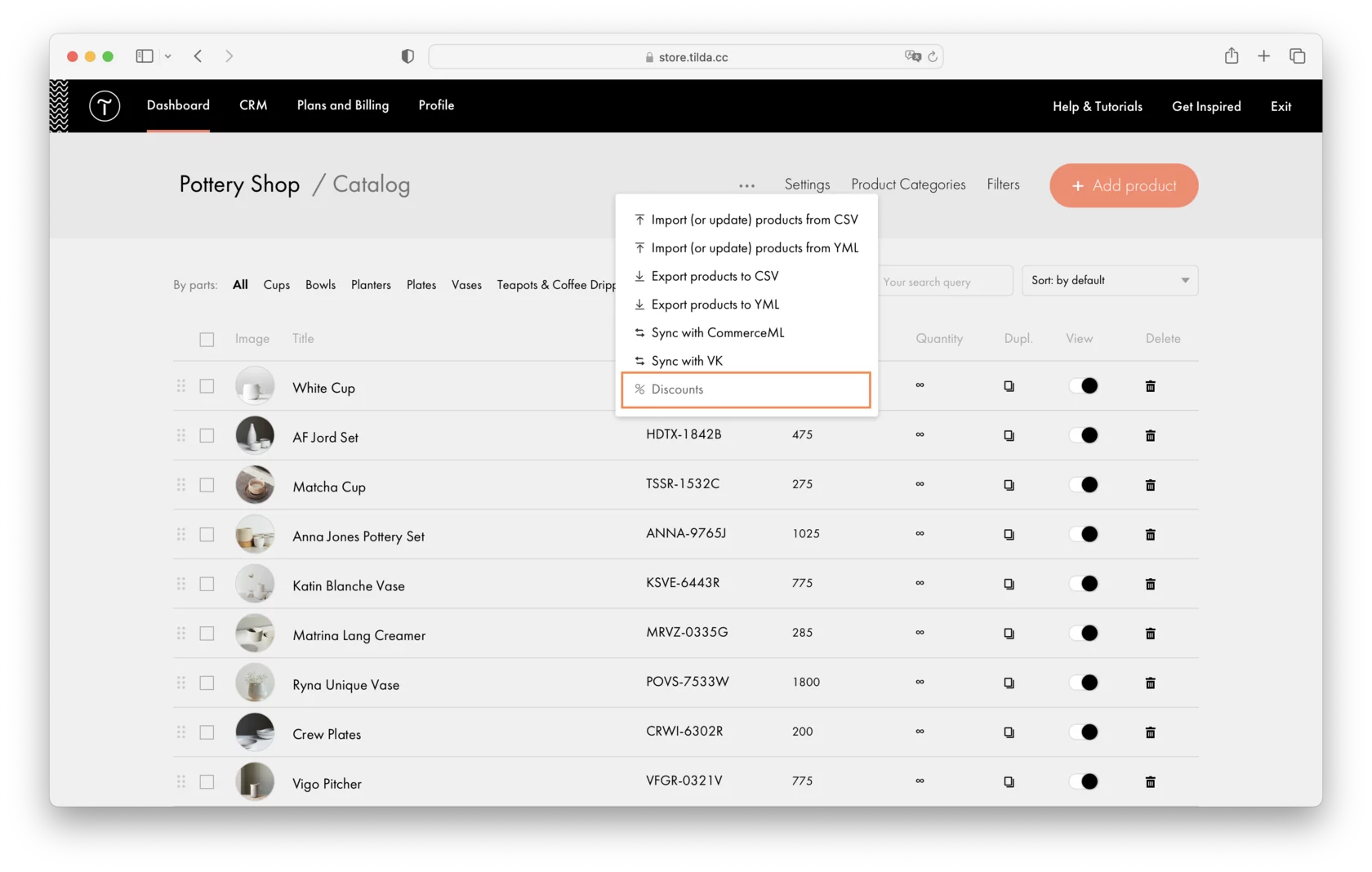
割引を設定するには、商品カタログにアクセス→上部メニューの3つの点をクリック→「割引」を選択します。
There are two different types of discounts: linear and differential. They can vary depending either on the product amount or on the total price of the purchase.
リニア割引の場合、 特定のパラメータ(価格または商品量)に応じて割引の最小値と最大値を指定する必要があります。例えば、5個と10個の商品に対して割引の最小値と最大値を設定した場合、割引はこの範囲でリニアに増加します。
Differential discounts allow you to set several discount rules, such as specifying a discount value for 5, 10, 20, and 100 items ordered. You can add multiple rules in the ascending order of the parameters: product quantity, the total price of the purchase, and the discount value. The discount specified in the rule remains active until the following rule is completed.
カタログでは、いくつかの割引を作成し、その期間、制限、割引が適用される製品カテゴリと製品、便宜上割引のタイトルを指定することができます。
https://help.tilda.cc/online-store/discountsダイナミック・ディスカウントの設定方法に関する詳細ガイドをご覧ください。
類似の質問

