
Where to Set the Website Topic for Content Generation
You can set the website topic for content generation in three ways.
When creating a page with AI, after clicking Generate and agreeing to the AI Assistant terms of use.
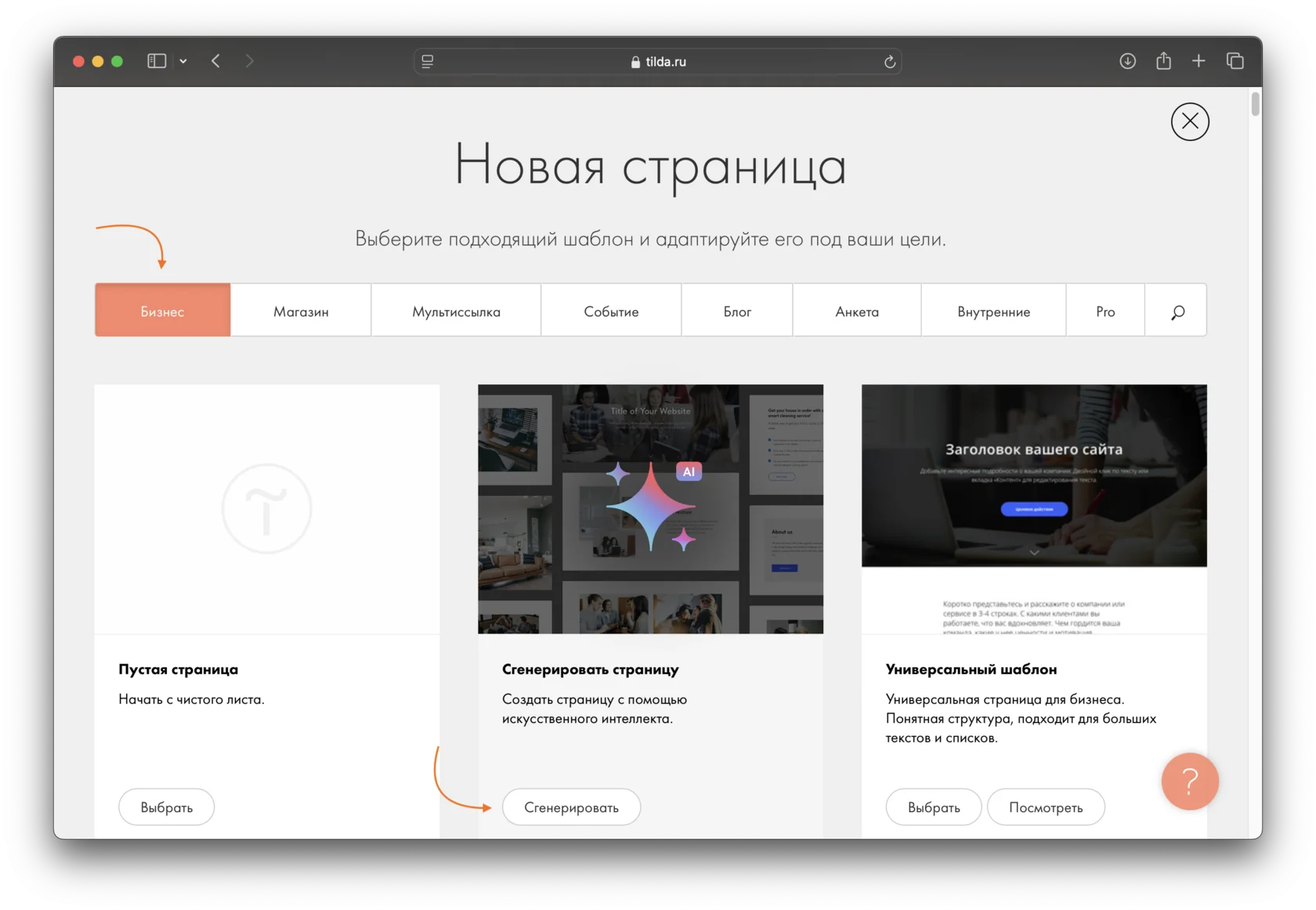
At this step, specify your business topic, add a brief description, and provide key information about the company. The more details you provide, the better the generated result will be. The maximum prompt length is 700 characters including spaces.
Click Examples to view sample prompts.
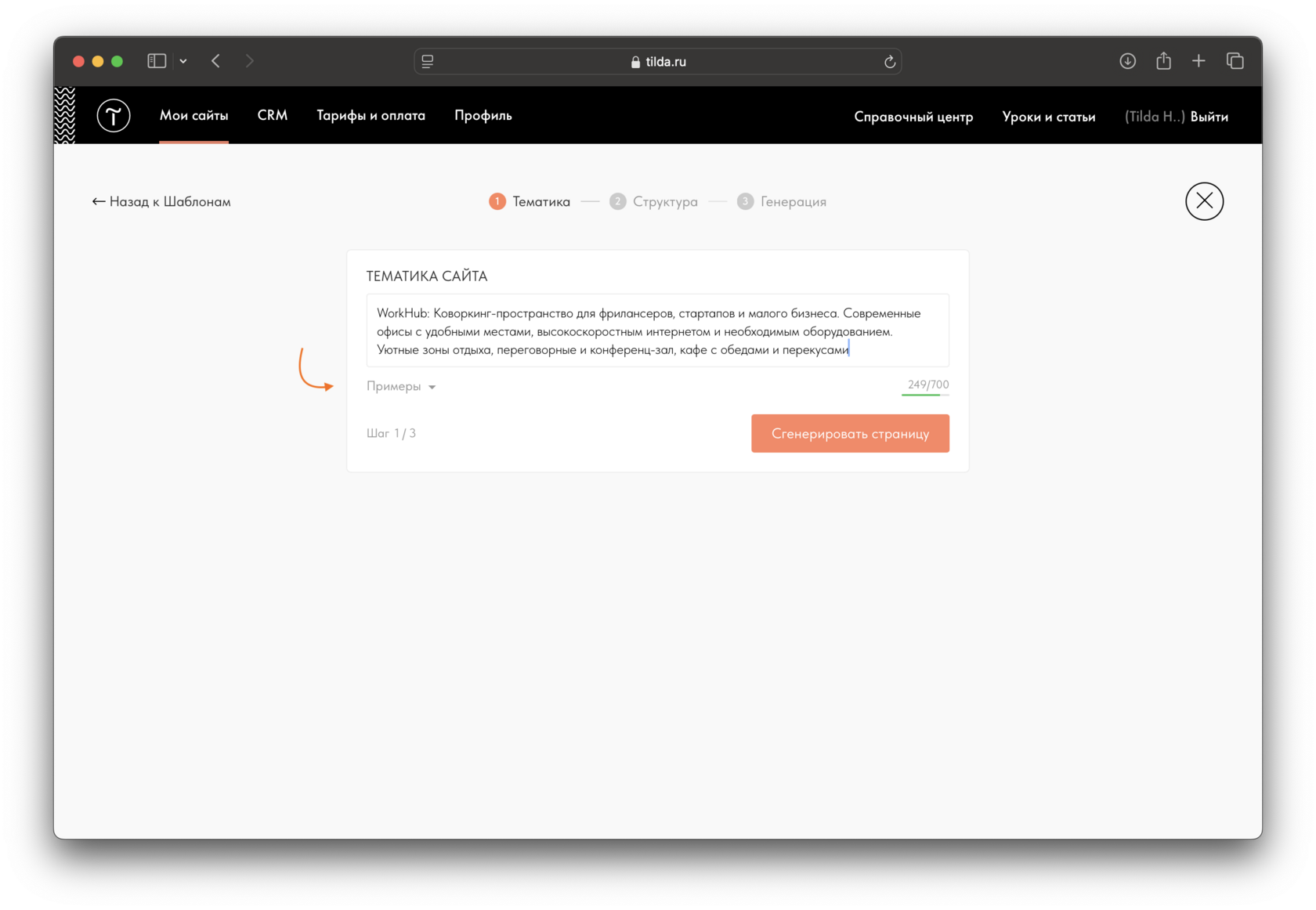
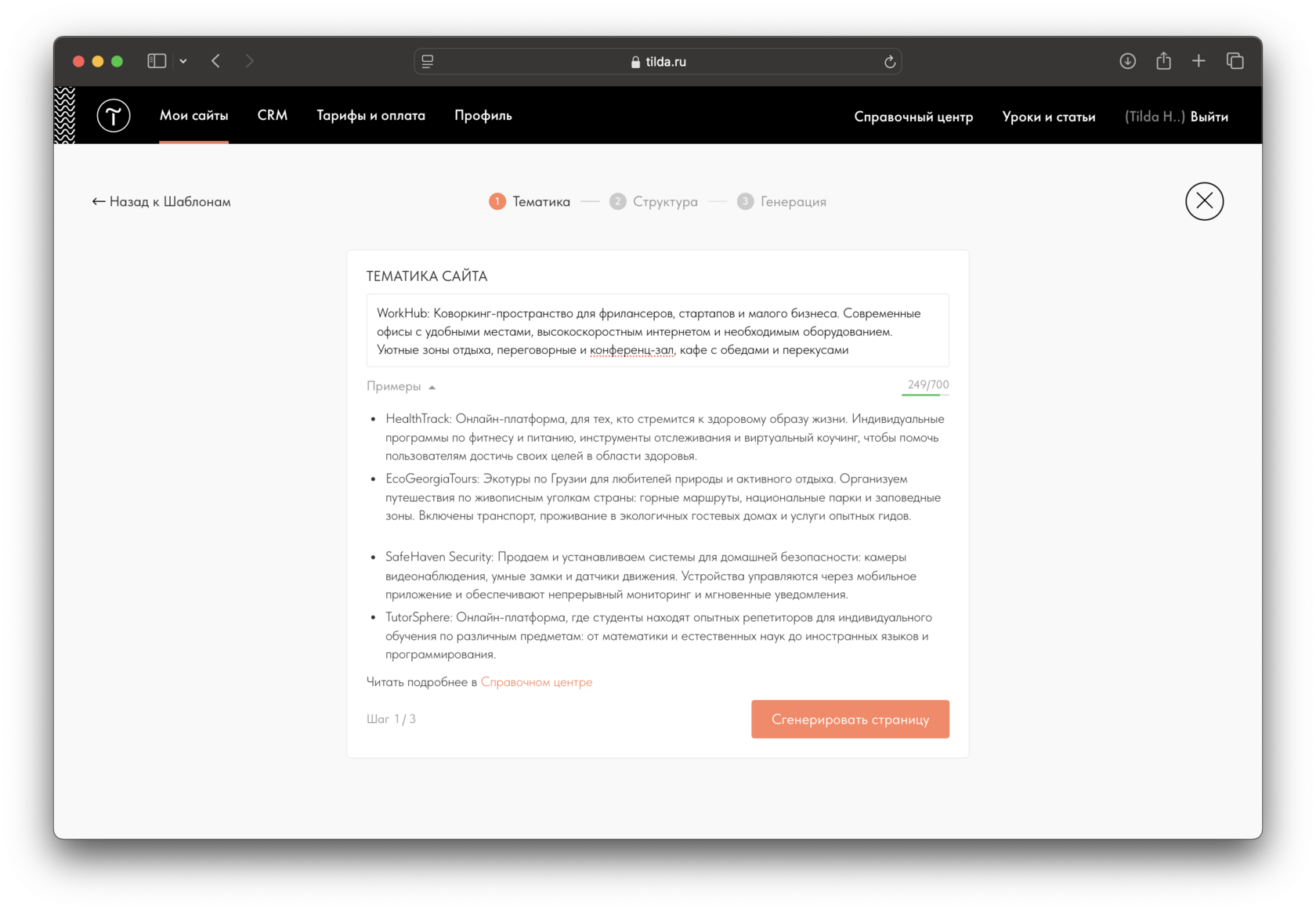 The color of the character counter bar indicates the recommended prompt length: red means there is not enough information, yellow means the amount is acceptable, and green means there is enough information for generation. For page generation, we recommend entering at least 50 characters.
When generating content on a page, for example, when generating images.
In Site Settings → More → AI Assistant, where you will find the Website topic field.

Questions similaires

