
How to Create a Page with AI
To generate a page with AI, click Create New Page on your project’s main page. Go to the Business tab and click Generate.
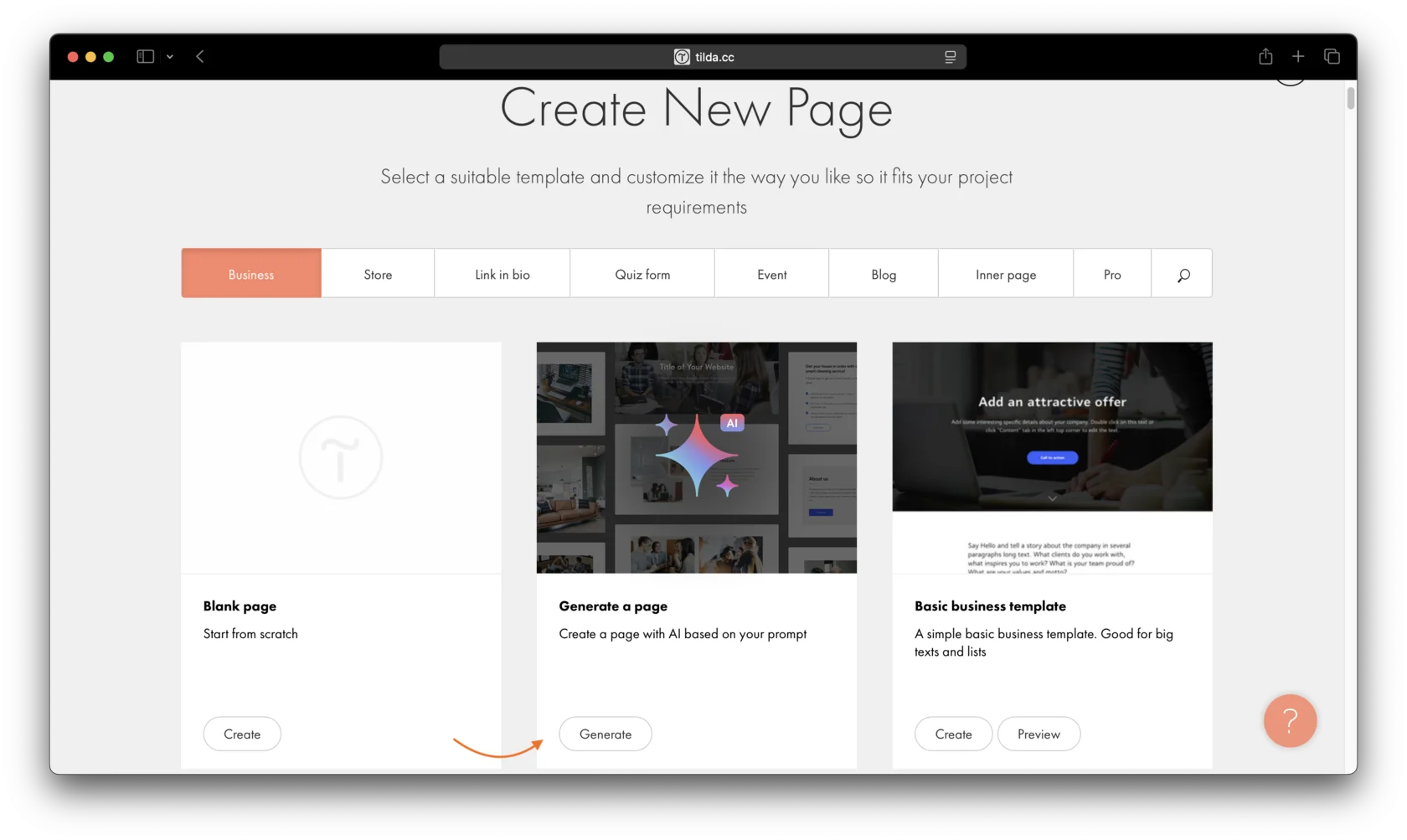
Select the checkbox to confirm that you agree to the AI Assistant terms of use, then click Next.
Next, simply specify the website topic. The system will automatically create the page structure and start generating the page.
Preguntas similares
¿Te ha resultado útil esta respuesta?

Sí
0

No
0